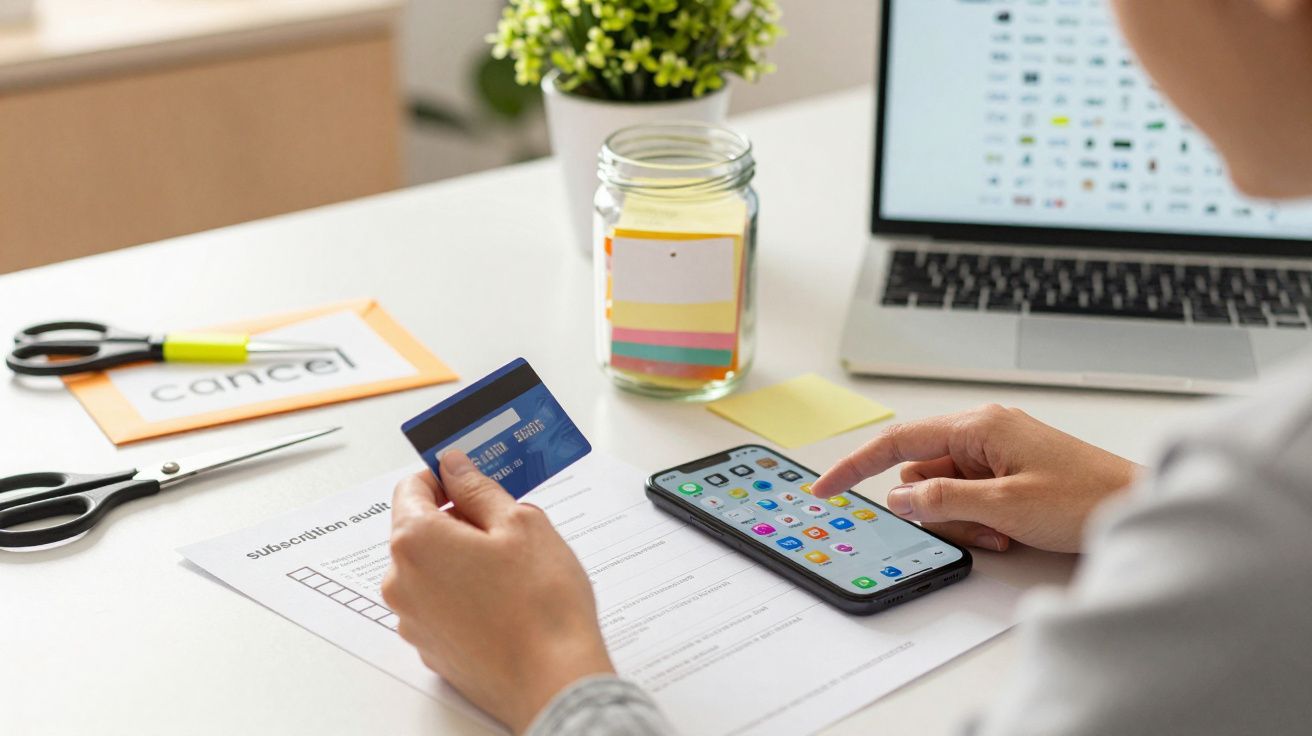
You sign up for a “£1 for the first month” deal on your phone, meaning to cancel later. Subscription traps and free trials are now baked into everyday checkout screens, from streaming to meal kits, and that matters because the way you get pulled in is changing faster than most people notice. It’s no longer just about forgetting a renewal date; it’s about design choices that make leaving feel oddly difficult.
The shift is subtle. The price still looks small, the promise still says “cancel anytime”, but the mechanics around cancellation, reminders and re-billing have evolved into a moving target.
The old trap was forgetfulness. The new trap is friction.
For years, the classic subscription problem was simple: you started a free trial, you forgot, you got charged. That still happens, but many companies have got better at making the “forget” part more likely and the “fix it” part more exhausting.
Instead of one obvious renewal date, you now see:
- staggered billing cycles (weekly “intro” price that becomes monthly)
- add-ons that quietly turn into separate subscriptions
- in-app subscriptions handled by Apple/Google, not the brand you’re trying to leave
- “pause” flows that look like cancellation but aren’t
The point isn’t always to hide the cost. It’s to stretch the moment where you feel confident enough to stop.
Why subscription traps are evolving so quickly
Because sign-up is now a product feature
One-tap payments, saved cards, biometric confirmation and “buy now” buttons have made joining almost effortless. Businesses have learnt that a smooth start can outperform a better service, at least in the short term.
If it takes five seconds to subscribe and ten minutes to cancel, the economics are obvious.
Because cancellation has moved into a maze of platforms
A decade ago, you usually cancelled where you signed up: a website with your login. Now subscriptions are split across:
- app stores (Apple ID / Google Play)
- PayPal “automatic payments”
- Klarna/BNPL card proxies
- virtual cards inside banking apps
- email-only services with no dashboard
That fragmentation is a gift to anyone relying on confusion. Even organised people can’t remember which doorway they used.
Because “dark patterns” are being A/B tested in real time
The most effective traps aren’t invented once; they’re tested continuously. Small wording changes, button colours, extra confirmation screens, or a “special offer” inserted at the exact moment you try to leave can lift retention by a few percentage points.
At scale, that’s millions.
The newer patterns to watch for (and why they work)
| Pattern you’ll see | Why it works | What to do instead |
|---|---|---|
| “Pause” offered as the default | Feels like cancelling, keeps billing later | Look for a plain “cancel” link and confirm by email |
| “Cancel” split into multiple steps | People drop off mid-flow | Set a 10-minute timer and finish it in one sitting |
| Separate add-ons billed separately | You cancel one, another keeps running | Search your bank/app store for all active subscriptions |
| Annual plan pushed after trial | Locks you in before you’ve tested properly | Choose monthly first, even if it’s slightly more |
These aren’t always illegal. They’re often just aggressively optimised.
The tell-tale moment: when the company stops behaving like a shop
A normal purchase ends cleanly. You pay, you receive something, you’re done. Subscription businesses behave differently, and the “trap” feeling usually appears when the relationship stops being balanced.
Watch for signals like:
- no clear “next billing date” on the receipt screen
- cancellation instructions that say “contact support” without a form
- a “live chat” that never seems to have a human
- charges that appear with a different merchant name than the brand you recognise
If you have to work to understand what you’re paying for, that’s the point.
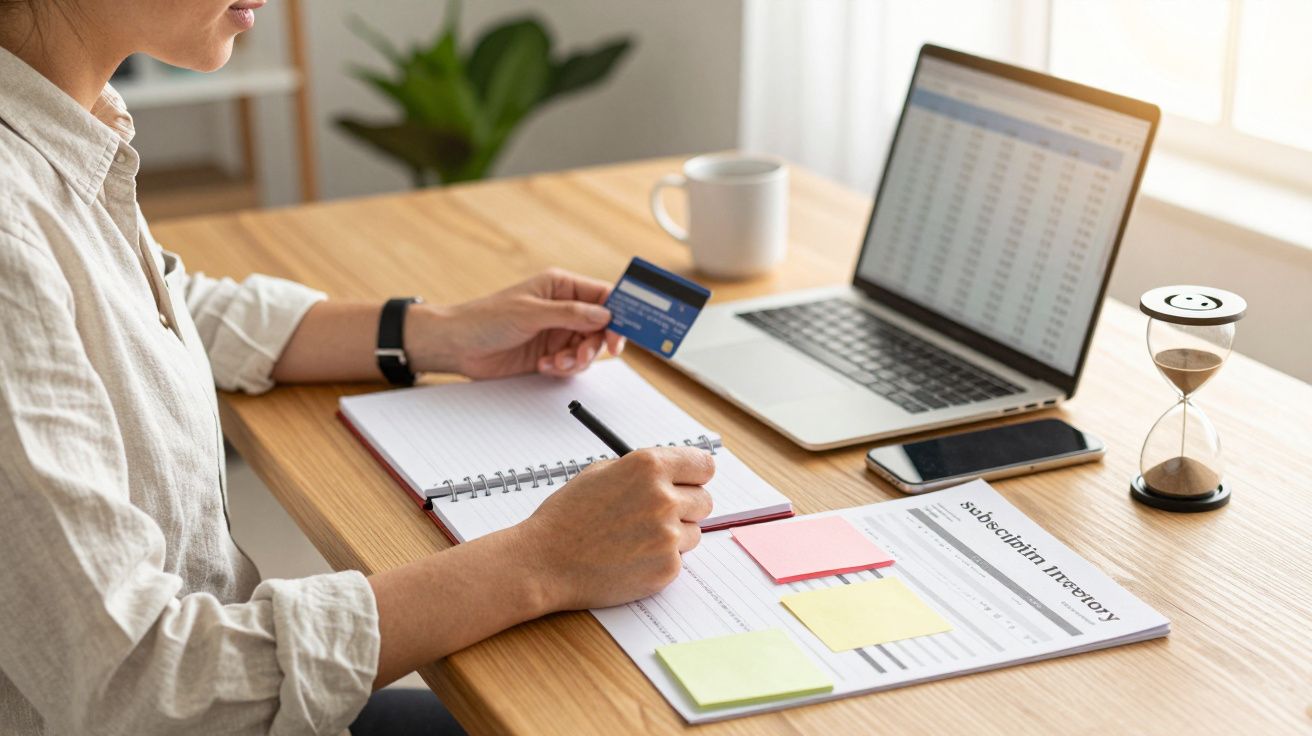
A quick, realistic way to audit your subscriptions in 15 minutes
This works best when you treat it like checking smoke alarms: small habit, big payoff.
- Check your bank transactions for the last 60–90 days and highlight repeating charges.
- Check your app store subscriptions (Apple ID / Google Play) even if you think you don’t use them.
- Check PayPal automatic payments if you’ve ever used PayPal for a trial.
- Search your email for receipts using terms like “welcome”, “trial”, “your subscription”, “renewal”, “invoice”.
- Make a simple list: service name, amount, billing date, how to cancel.
You’re not trying to achieve perfection. You’re trying to remove surprises.
How to cancel without getting pulled into the “just stay” funnel
When you hit the cancellation flow, expect persuasion. The trick is to be ready for it so you don’t accidentally accept a new deal you didn’t intend.
- Take a screenshot of the “cancelled” confirmation page.
- Look for an email confirmation and keep it. No email often means no cancellation.
- Avoid “pause” unless you genuinely want it, and set a calendar reminder if you take it.
- If support is required, write one clear message: “Please cancel and confirm cancellation in writing. I do not agree to further charges.”
If the company makes it difficult, don’t match their energy with endless back-and-forth. Escalate quickly: chargeback routes, formal complaints, and written records are your friend.
Why this matters more now than it did five years ago
Subscription models have spread beyond entertainment. They now sit inside things people rely on weekly: deliveries, fitness, news, cloud storage, productivity tools, even “membership pricing” at checkout.
That makes the downside sharper. A forgotten £7.99 isn’t just a small leak; it can become several small leaks across multiple services, each using slightly different rules.
And because these systems change often, advice from last year can be outdated. A cancellation path that used to live in “Account settings” may now be buried in a help article, or moved to the app store, or re-labelled as “manage plan”.
The simplest defence: make subscriptions visible again
The fastest way to beat a modern subscription trap is to remove its best weapon: invisibility.
- Put renewal dates in your calendar the moment you subscribe.
- Use banking alerts for new merchants or recurring payments.
- Consider a separate card (or virtual card) for trials, if your bank supports it.
- Once a month, scan your transactions for repeats.
You don’t need to become paranoid. You just need to bring recurring spending back into daylight.
FAQ:
- Can a company make it harder to cancel than to sign up? In practice, many do. Rules and enforcement vary, but if cancellation takes significantly longer or requires extra hoops, it’s a sign you should document everything and consider cancelling via your payment provider or app store instead.
- If I cancel, why did I still get charged? Common reasons include cancelling the wrong channel (website vs app store), cancelling after the renewal cut-off time, or cancelling an add-on but not the core plan. Check for a cancellation email and review all active subscriptions.
- Is “pause” the same as cancellation? No. Pause usually stops billing temporarily but keeps the subscription relationship alive, often restarting automatically. Only use it if you set a reminder and you genuinely want to return.
- What’s the quickest place to find subscriptions I’ve forgotten? Start with your bank statement for repeating charges, then check Apple/Google subscriptions and PayPal automatic payments. Those three places catch a large share of modern “silent” renewals.


Comments
No comments yet. Be the first to comment!
Leave a Comment