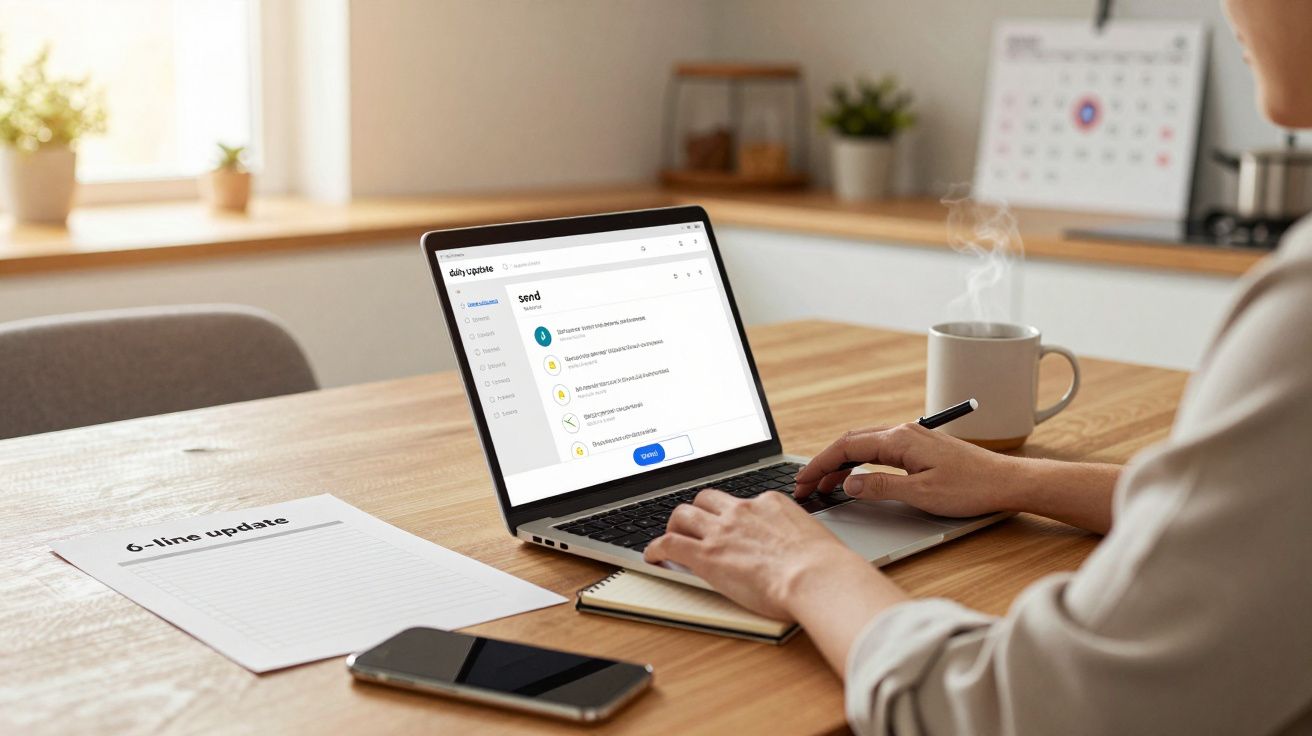
Your laptop is open, work from home is “on”, and the day begins with a familiar fog: pings, half‑read threads, and the creeping sense you’re already behind. The simple shift is to make asynchronous updates the default, so your team gets clarity without another standing call. It matters because remote work doesn’t fail on effort-it fails on coordination, and a tiny change in how you broadcast progress can buy back hours.
Most people try to fix work from home with bigger tools, better desks, or stricter routines. What actually moves the needle is reducing the amount of time you spend figuring out what everyone is doing, including you.
The simple shift: replace the daily “quick catch‑up” with one written update
The most expensive meeting in remote work is the one that exists “just to align”. It’s rarely dramatic, but it quietly steals the best part of the morning and fragments everyone’s attention.
Instead, swap it for a short written update sent at the same time each day, in the same place, using the same format. Keep the meeting slot on the calendar for two weeks if you need psychological safety-then only use it when the written update reveals a real issue.
Think of it as moving from “talking to discover problems” to “writing to surface them early”.
This isn’t about becoming a corporate robot or writing essays. The point is to create a predictable signal that cuts through the noise.
What to write: the 6‑line update that does most of the work
A good async update is small enough to do daily and structured enough to be skimmable. Aim for six lines max.
- Yesterday: one line on what shipped or moved forward
- Today: one line on the single most important output
- Blocked: one line on what you can’t move without help
- Decisions needed: one line, with a named owner if possible
- FYI: one optional line for context (link, customer note, metric)
- Availability: one line if your day is unusual (school run, appointment)
That’s it. If it doesn’t fit, it’s usually a sign the work needs breaking down, not a sign the update needs expanding.
A copy‑and‑paste example
- Yesterday: Closed the draft proposal and shared with Priya for review.
- Today: Incorporate feedback and send to client by 3pm.
- Blocked: Waiting on pricing confirmation from Finance (need by noon).
- Decisions needed: Confirm whether we’re including onboarding in scope (Sam to decide).
- FYI: Notes are here: [link].
- Availability: Offline 4–5pm for childcare.
It reads almost boring, which is exactly why it scales.
Why it delivers outsized results (even when nothing else changes)
The benefit isn’t just “fewer meetings”. It’s what those meetings were doing to your work.
1) It creates a single source of truth for the day
In work from home, you can’t rely on ambient context: overheard conversations, quick desk chats, the sense of who’s heads‑down. A daily written update recreates that missing layer in a clean, searchable way.
When someone asks “where are we at?”, you don’t restart the conversation-you point to a thread.
2) It turns vague problems into named requests
“Blocked” forces specificity. Instead of stewing silently, you make the dependency visible early, while there’s still time to fix it.
It also stops the subtle remote habit of turning blocks into private stress. You don’t need a 30‑minute call to admit you’re stuck; you need one line and a clear ask.
3) It protects the best hours of the day
Most people do their best thinking in a limited window. A status call at 9:30 doesn’t just take 30 minutes-it breaks the ramp‑up and invites reactive work.
Written updates let everyone scan, respond, and move on without burning the prime focus slot.
How to roll it out without making it weird
The easiest way to fail with async updates is to turn them into a culture war: “We’re not doing meetings anymore.” Keep it practical and time‑boxed.
Step 1: pick one channel and one time
Choose the place everyone already looks (Teams channel, Slack channel, project tool). Pick a consistent time like 9:15 or 9:30, ideally before meetings start.
Consistency matters more than the exact minute. Predictable beats perfect.
Step 2: start with a two‑week trial
Call it an experiment and set a simple measure:
- Did we reduce status meetings?
- Did fewer things get stuck for days?
- Did people report fewer “surprise” deadlines?
If you can’t name what “better” looks like, you’ll default back to meetings out of habit.
Step 3: keep one escalation rule
Async updates don’t replace real conversations; they help you choose them.
A useful rule is:
- If a “Blocked” item remains blocked for 24 hours, it triggers a short call with the owner.
That prevents the common fear that async means “nobody will help me”.
The common mistakes that make people give up
This shift works when it stays light. It collapses when it becomes performative.
- Writing for approval, not clarity. If updates read like CV bullet points, people stop trusting them.
- Hiding the real block. “Waiting on a few things” is code for “I don’t want to name the dependency.” Name it.
- Letting the thread splinter. Keep follow‑ups in replies, not new posts scattered across channels.
- Using it to micromanage. Leaders should model brevity and focus on removing blocks, not policing activity.
- No links, no artefacts. Where possible, point to the doc, ticket, PR, or file. Outputs beat adjectives.
If the process feels heavy, shrink it further. The win comes from rhythm, not word count.
Variations that fit different types of work from home roles
Not every job “ships” something daily, but every role has signals that reduce uncertainty.
| Role | Replace “Yesterday/Today” with | Keep “Blocked” exactly the same |
|---|---|---|
| Support / Ops | “Top issues” + “Coverage” | Dependencies, access, approvals |
| Design / Creative | “Current draft” + “Next review” | Feedback needed, asset delays |
| Leadership | “Priority outcomes” + “Risks” | Decisions, resourcing, trade‑offs |
The goal is still the same: one predictable update that makes it easier for others to act.
The quiet side effect: you start managing yourself better
There’s a personal benefit people don’t expect. Writing “Today: one most important output” forces a decision before the day runs away from you.
In work from home, self‑direction is the job behind the job. A small daily update becomes a soft commitment device: not to hustle harder, but to choose a lane and stay in it.
If you only do one part of this, do the “Today” line. It’s the part that stops drift.
FAQ:
- Do async updates create more messages and more noise? They can, if they’re unstructured. A fixed format in one thread reduces noise because it replaces scattered “any updates?” pings.
- What if my team ignores them? Make the update useful, not ceremonial: link to artefacts, name decisions needed, and respond quickly to “Blocked” items. Attention follows usefulness.
- Should managers require updates daily? It works best when it’s framed as a coordination tool, not surveillance. Leaders should model brevity and use updates to remove obstacles.
- Does this replace all meetings? No. It replaces recurring status meetings. Keep meetings for decisions, conflicts, complex collaboration, and topics that truly need real‑time discussion.






Comments
No comments yet. Be the first to comment!
Leave a Comment