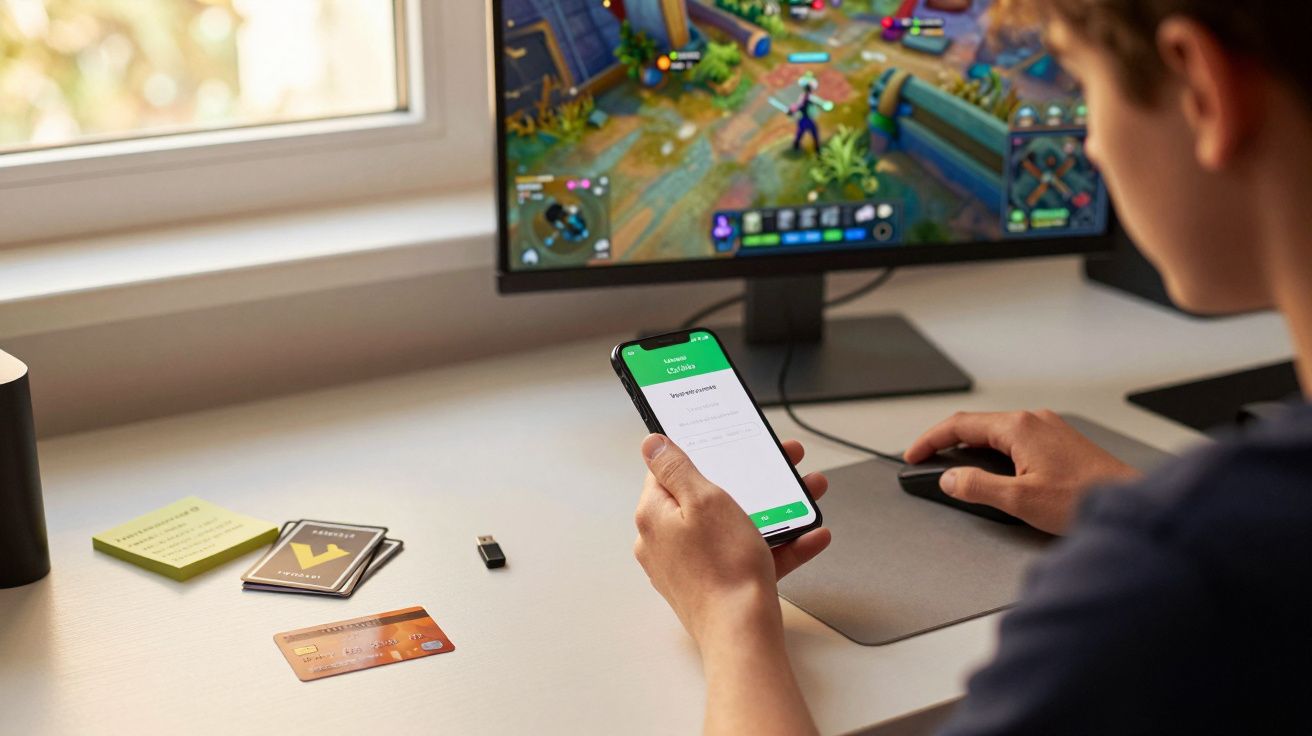
You load up fortnite `` on a console or phone for a quick match, maybe to unwind, maybe to keep up with friends. It feels like a game you can dip in and out of, so the risks feel small. But the thing people rarely talk about is how easily your whole history in it can vanish, and how hard it is to get back once it does.
Most players worry about lag, toxic chat, or how much time they’re sinking. The hidden issue is quieter: your account becomes a wallet, a status symbol, and a target, all at once.
The problem isn’t the match - it’s the account
fortnite works because it turns progress into identity. Your locker isn’t just cosmetics; it’s memories, effort, and money, built up season after season. That makes an Epic account more like a digital keyring than a login.
When everything is fine, it’s invisible. When something goes wrong, you find out how little “ownership” you actually have over what you bought and how fast access can be taken away.
People don’t panic when they lose a game. They panic when they lose years.
How it goes wrong (usually) in a way nobody sees coming
Account loss rarely starts with a dramatic hack scene. It’s normally boring, everyday internet stuff that lands on the wrong day.
Here are the common routes:
- Reused passwords: one old data breach elsewhere, and attackers try the same email/password on Epic.
- Email takeover: if someone gets into your email inbox, they can reset everything from there.
- “Free V-Bucks” scams: fake sites, fake forms, fake giveaways, very real logins being harvested.
- Shared accounts: siblings, mates, or “just log in on my PlayStation for a bit” that turns into a permanent mess.
- Chargebacks and payment disputes: a bank reverses a transaction (sometimes by accident), and the account gets restricted or banned.
The reason it feels “too late” is that people only tighten security after the locker is already locked.
The sneaky part: you can do everything “right” and still lose access
Even careful players get caught out because the system is layered: Epic account, console account, email account, and sometimes third-party links. If one link in that chain breaks, you can end up stuck in an automated loop of resets, codes, and support forms.
A small reality check helps: your fortnite access is only as secure as the weakest account attached to it, not the strongest.
A quick risk map you can actually use
| Risk | What it looks like | Best quick fix |
|---|---|---|
| Credential stuffing | “Login failed” attempts, odd emails | Unique password + password manager |
| Email compromise | Reset emails you didn’t request | Secure email + change email password |
| Social engineering | Someone “helping” you recover | Don’t share codes, ever |
| Platform confusion | Console link issues | Review linked accounts in Epic settings |
A five-minute self-audit that prevents the worst week of your year
Do this when you’re calm, not when you’re locked out.
- Turn on two-factor authentication (2FA) for your Epic account. Use an authenticator app if you can.
- Change your Epic password to something unique (not a variation of your old one).
- Lock down your email (new password, 2FA, check recovery phone/email are yours).
- Check linked accounts (PlayStation, Xbox, Nintendo, Google, Apple) and unlink anything you don’t recognise.
- Set spending controls if there’s a child account or shared console in the house.
If you’re a parent, this is the bit that saves arguments later. A “free” game becomes expensive when a saved card meets a convincing shop rotation.
The money trap people don’t label as a trap
There’s also a softer version of “too late”: the moment you realise you can’t stop spending because your identity in-game depends on keeping up. Skins and battle passes are designed to feel like a deadline, not a choice.
If you want one simple boundary that works, make it physical:
- Buy V-Bucks only via a top-up method with a clear limit (gift card, capped wallet), not an always-on saved card.
- Decide on a monthly amount before the season starts.
- If you’re buying for a child, keep purchases in the open: “Ask first, buy together.”
This isn’t about shaming anyone for spending. It’s about avoiding the quiet drift from “a tenner here and there” to “how did we get to this?”
If it’s already happening: what to do the same day
When you suspect you’ve been compromised, speed matters more than perfect troubleshooting.
- Change your email password first, then Epic, then any linked platform passwords.
- Enable 2FA everywhere you can (email, Epic, console accounts).
- Check purchase history and saved payment methods.
- Take screenshots of anything suspicious (emails, transactions, login alerts).
- Contact official Epic support and avoid “recovery services” offering to get it back for a fee.
One uncomfortable truth: scammers often come back. If someone had access once, they’ll try the same route again in a week.
A calmer way to think about it
fortnite is meant to be fun, social, and fast. The hidden issue is that your account is also a long-term asset, and long-term assets need boring maintenance.
Do the boring bits early: 2FA, unique passwords, protected email, and simple spending limits. It’s the difference between losing a match and losing the whole thing.
FAQ:
- Can my fortnite account really be “stolen” if I never share my password? Yes. If you reuse passwords, your details can be tried automatically after unrelated data breaches, or your email account can be compromised and used to reset access.
- Is 2FA actually worth the hassle? For most people, yes. It blocks a large chunk of common takeover attempts, especially those based on leaked passwords.
- What’s the fastest way to reduce spending without banning the game? Remove saved cards, use capped top-ups, and agree a monthly limit before the season begins. Friction works better than willpower.
- If my child’s account is on a shared console, what should I check? Linked accounts, saved payment methods, purchase permissions, and whether the email attached to the Epic account is one you control and have secured with 2FA.





Comments
No comments yet. Be the first to comment!
Leave a Comment