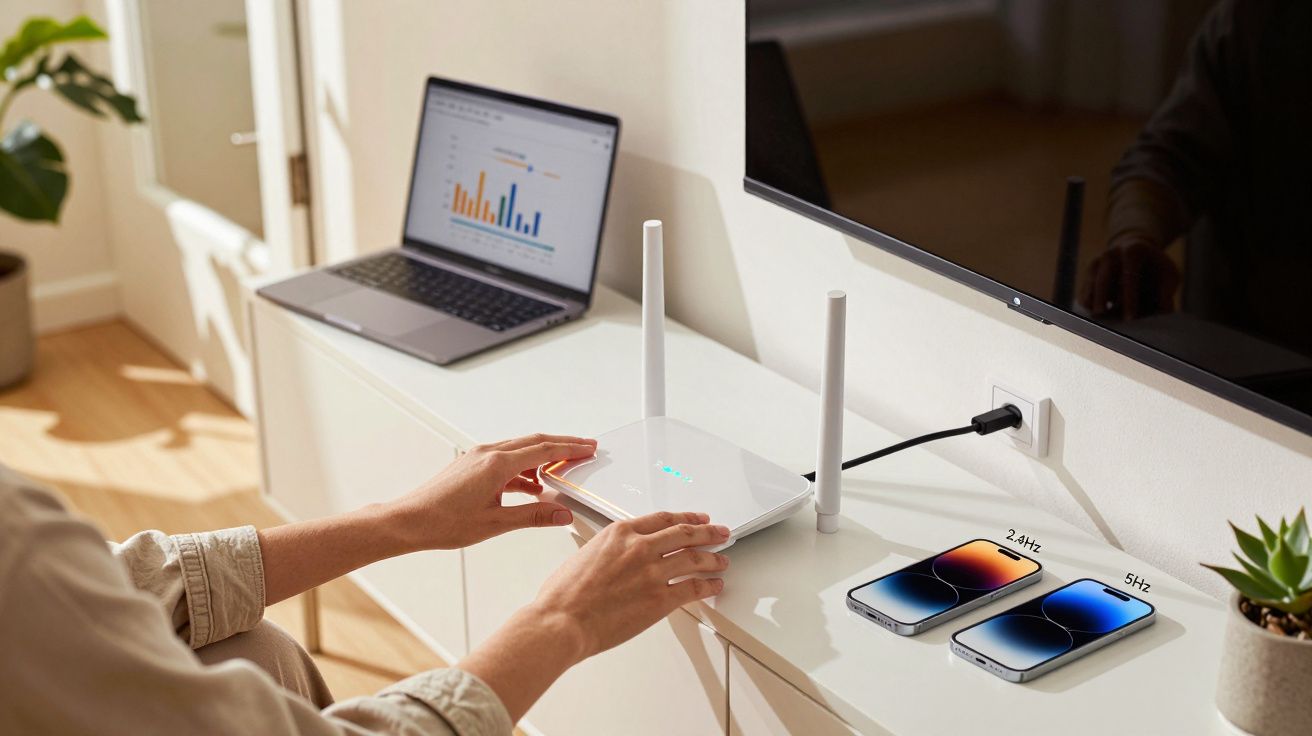
The Wi‑Fi router sits there blinking in the corner, quietly doing its job, until the moment a video buffers and everyone turns into a network detective. Your internet service provider (ISP) might be delivering exactly what you pay for, but a stubborn myth keeps pushing people to “fix” the wrong thing. It matters because chasing the myth wastes money on gadgets and upgrades, while the real bottleneck stays put.
The myth is simple, satisfying, and wrong in a way that feels personal: if your Wi‑Fi is slow, your router must be the problem. So you buy a newer box, add an extender, swap antennas around like a satellite dish, and still end up standing in the hallway trying to get “one more bar”.
The myth people keep repeating about routers
Across family group chats, landlord WhatsApps, and endless comment threads, the same advice turns up: “Just get a better router - that’s why it’s slow.” It’s a tidy story because it gives you one object to blame, one purchase to make, and one quick win to hope for.
But “slow Wi‑Fi” is not one problem. It’s a bundle of different issues that can look identical on your phone: a weak signal, a congested channel, a device that’s struggling, or an internet connection that’s simply maxed out.
A faster router can improve coverage and stability, but it cannot magically exceed the speed your line is delivering.
What your router can’t do (even if it’s expensive)
A router’s job is to share a connection around your home. It can do that well or badly, but it can’t invent bandwidth that isn’t there in the first place.
Here are the hard limits people bump into:
- Your broadband package sets the ceiling. If you pay for 50 Mbps, your Wi‑Fi won’t turn it into 500 Mbps.
- Your line quality matters. Old phone wiring, a noisy line, or a poor fibre signal will cap performance before Wi‑Fi even enters the picture.
- Peak-time slowdowns are real. Some connections slow at busy times because of wider network congestion, especially on certain technologies and in certain areas.
- The device matters too. A new router won’t upgrade the Wi‑Fi chip inside an older laptop that can’t handle modern speeds efficiently.
That’s why people swap routers and see no change: they replaced the “middleman” while the limiting factor sat upstream.
The quick test that separates Wi‑Fi problems from internet problems
You don’t need special tools to stop guessing. You just need one comparison that tells you where the slowdown lives.
Step 1: Test near the router, then test elsewhere
- Stand close to the router and run a speed test on your phone or laptop.
- Walk to the problem room (back bedroom, loft office, kitchen) and run the same test again.
If the speed collapses with distance, you’ve likely got a Wi‑Fi coverage/placement issue. If it’s consistently poor everywhere, it’s more likely your internet connection, ISP, or modem/ONT.
Step 2: If you can, do one wired test
If your laptop has Ethernet (or you have an adaptor), plug directly into the router and run a test. Wired results are the closest you’ll get to the “truth” of what’s coming into the home.
- Wired is good, Wi‑Fi is bad: the router setup, placement, or radio congestion needs work.
- Wired is bad too: your plan, line, or ISP-side issues are the likely culprit.
Why the myth feels true (and why it survives)
People aren’t silly for believing it. The myth survives because routers do age, and marketing makes it sound like upgrading is the universal cure.
A few things make the “blame the router” instinct feel right:
- Wi‑Fi bars are a distraction. Bars show signal strength, not real-world throughput, and they don’t warn you about interference.
- Extenders give a placebo boost. They often increase the number of bars while cutting performance by relaying traffic inefficiently.
- New routers can mask other problems. A fresh router might improve stability enough that you assume the old one “caused” the speed cap.
- ISPs encourage it. It’s easier (and cheaper) to suggest a new router than to diagnose line noise, neighbourhood issues, or poor internal wiring.
The fixes that usually matter more than buying a new router
If you’ve confirmed your connection is fine and the problem is Wi‑Fi coverage, you can often improve things without a shopping spree.
Put the router where the Wi‑Fi actually needs to be
Wi‑Fi is radio. It doesn’t “flow” neatly down corridors; it gets absorbed and bounced around by real homes.
Try these placement rules:
- Central beats convenient. A router in the middle of the home usually outperforms one tucked next to the front window.
- Height helps. A shelf or sideboard is better than the floor.
- Avoid blockers. Keep it away from thick masonry, metal cabinets, aquariums, and behind TVs.
- Give it space. Don’t hide it in a cupboard unless you enjoy paying for signal that never leaves the woodwork.
Use the right band for the job
Many routers broadcast multiple bands (2.4 GHz, 5 GHz, and sometimes 6 GHz).
- 2.4 GHz travels further and penetrates walls better, but is slower and more crowded.
- 5 GHz is usually faster and cleaner, but has shorter range.
- 6 GHz (Wi‑Fi 6E/7) can be very fast and low-interference, but range can be even shorter and your devices must support it.
If a device is far away, forcing it onto 5 GHz can backfire. If it’s close, staying on 2.4 GHz can leave performance on the table.
Don’t let an extender quietly halve your speeds
Basic extenders repeat the signal and often cut throughput because they’re doing double duty: receiving and retransmitting on the same radio.
If you need more coverage, these are typically better options:
- Mesh Wi‑Fi (a matched set designed to work together)
- A wired access point (best performance if you can run Ethernet)
- Powerline adapters (variable results, but sometimes helpful in older homes where you can’t run cable)
A simple checklist for “slow Wi‑Fi” that actually works
Before you replace hardware, run through this in order:
- Reboot the router (yes, really) and check for a firmware update in the router app.
- Confirm your ISP plan speed and run a speed test close to the router.
- Check whether the slowdowns happen at specific times (evenings can point to wider congestion).
- Move the router to a more central, open position for 24 hours and compare results.
- Split the Wi‑Fi names (SSIDs) or temporarily force a device onto 2.4 GHz vs 5 GHz to see what improves.
- If one room is always bad, consider mesh or an access point, not a cheap extender as a first choice.
The “new router” purchase that is worth it (and when)
Sometimes a new router is genuinely the right move. Just make sure you’re buying it for the right reason.
A router upgrade tends to be worth it if:
- Your router is very old (older Wi‑Fi standards, limited range, poor handling of multiple devices).
- Your home has lots of devices and the router struggles with stability, not just raw speed.
- You’re moving to a faster package (e.g., full fibre) and your current router can’t handle it reliably.
- You need better coverage and you’re switching to a mesh system designed for your layout.
What it won’t do is turn a 40 Mbps line into a 400 Mbps experience. For that, you need a better connection, not a shinier box.
FAQ:
- Is slow Wi‑Fi always my router’s fault? No. It can be your ISP connection, line quality, peak-time congestion, interference, or even the device you’re using.
- Will a “Wi‑Fi 7” router make my internet faster? It can improve Wi‑Fi performance within your home (especially with compatible devices), but it won’t exceed the speed your broadband line delivers.
- Do Wi‑Fi extenders reduce speed? Often, yes. Many basic extenders repeat the signal and can cut throughput; mesh systems or wired access points usually perform better.
- Should I hide my router in a cupboard for a tidy look? It’s a common mistake. Cupboards and enclosed spaces can significantly weaken signal and increase dropouts.
- What’s the quickest way to diagnose the issue? Run a speed test near the router and in the problem room. If it drops sharply with distance, it’s coverage/placement; if it’s poor everywhere, it’s likely the connection or ISP.






Comments
No comments yet. Be the first to comment!
Leave a Comment